Security Update: Upgrade APT in Breadstick Linux Now

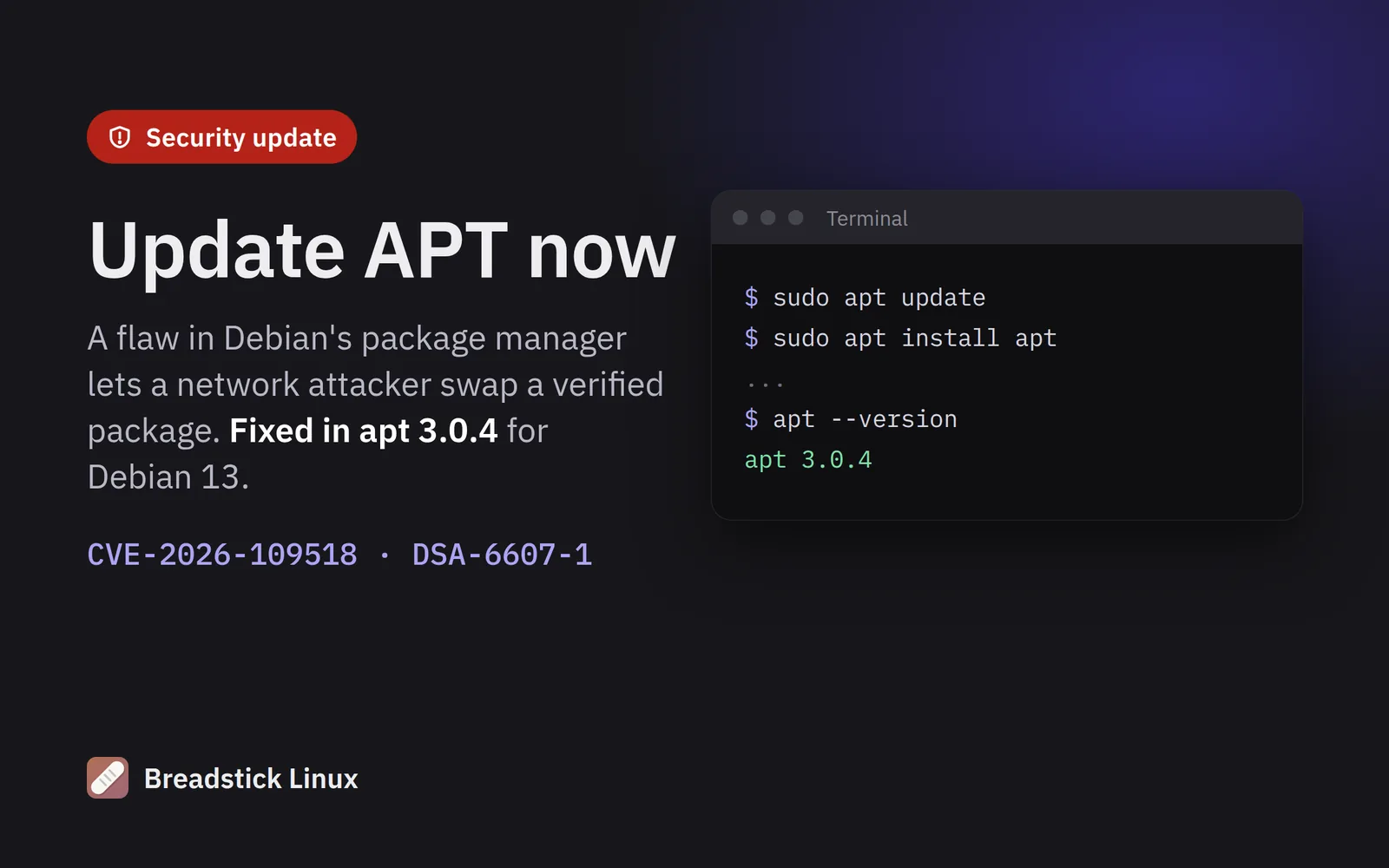
Debian published a security fix for APT, the package manager that installs and updates software in Breadstick Linux, on November 4, 2026. The flaw is tracked as CVE-2026-109518. It is not a Breadstick bug, but Breadstick Linux is Debian 13, so every Breadstick Linux system needs the fix. Please update today.
What the flaw is
APT downloads a package, checks it against Debian’s signed index, and then installs it as root. The flaw, found by security researcher Max Justicz, lets an attacker who can tamper with your network traffic, or a malicious mirror or proxy, use HTTP redirects and failed downloads to make APT fetch a package again after it has been checked. The second copy replaces the verified one, and APT installs it. Whatever the attacker put in that package runs as root.
The attack depends on APT retrying failed downloads, which Debian 12, Debian 13 and recent Ubuntu releases do by default. Ubuntu rates it high severity (CVSS 7.7), and APT’s developers call it critical. No attacks using it have been reported so far.
Is Breadstick Linux affected?
Yes, until you update. Every Breadstick Linux system runs Debian 13, whose APT before this fix (version 3.0.3) is affected. The fixed version is apt 3.0.4, in Debian’s security updates (DSA-6607-1).
Breadstick sets up Debian’s repositories and its own over HTTPS, which keeps a network attacker out of those downloads. That lowers the risk, but it does not cover a compromised mirror or a repository you added yourself over plain HTTP. Update either way.
How to update
Breadstick Linux 1.0.38, released today, installs the fixed APT by itself at its next daily update, within about a day while the device is on Wi-Fi. To get it now, use any one of these. Each needs Linux to be set up and connected to the internet.
In the Breadstick app: open Settings, then Linux system. Under System updates, tap Check, then Upgrade all.
On the Linux desktop: open Breadstick Updates from your apps, check for updates, and install them.
In the Terminal: run these two commands. The Acquire::Retries=0 option turns off the retries the attack depends on, so this flaw cannot be used against the update itself:
sudo apt -o Acquire::Retries=0 update
sudo apt -o Acquire::Retries=0 install apt
Check that you have the fix
In the Terminal, run:
apt --version
It should print apt 3.0.4 or newer.
If you have more than one Linux system in Breadstick, update each one: switch to it from the Home screen and repeat the steps. If you set up Breadstick for the first time today, run the update once after setup finishes. If your Linux runs in VM mode, the same steps work inside the VM.
More details
- Debian’s advisory: DSA-6607-1
- Debian security tracker: CVE-2026-109518
- APT developers’ advisory: APT-2026-11-01
- Ubuntu: CVE-2026-109518
- Coverage: The Hacker News

Written by Keith I Myers
Creator of Breadstick
Keith builds Breadstick, the app that brings real Debian Linux apps to Samsung DeX as native windows.
All posts by Keith I Myers →