Breadstick 3.0 is here

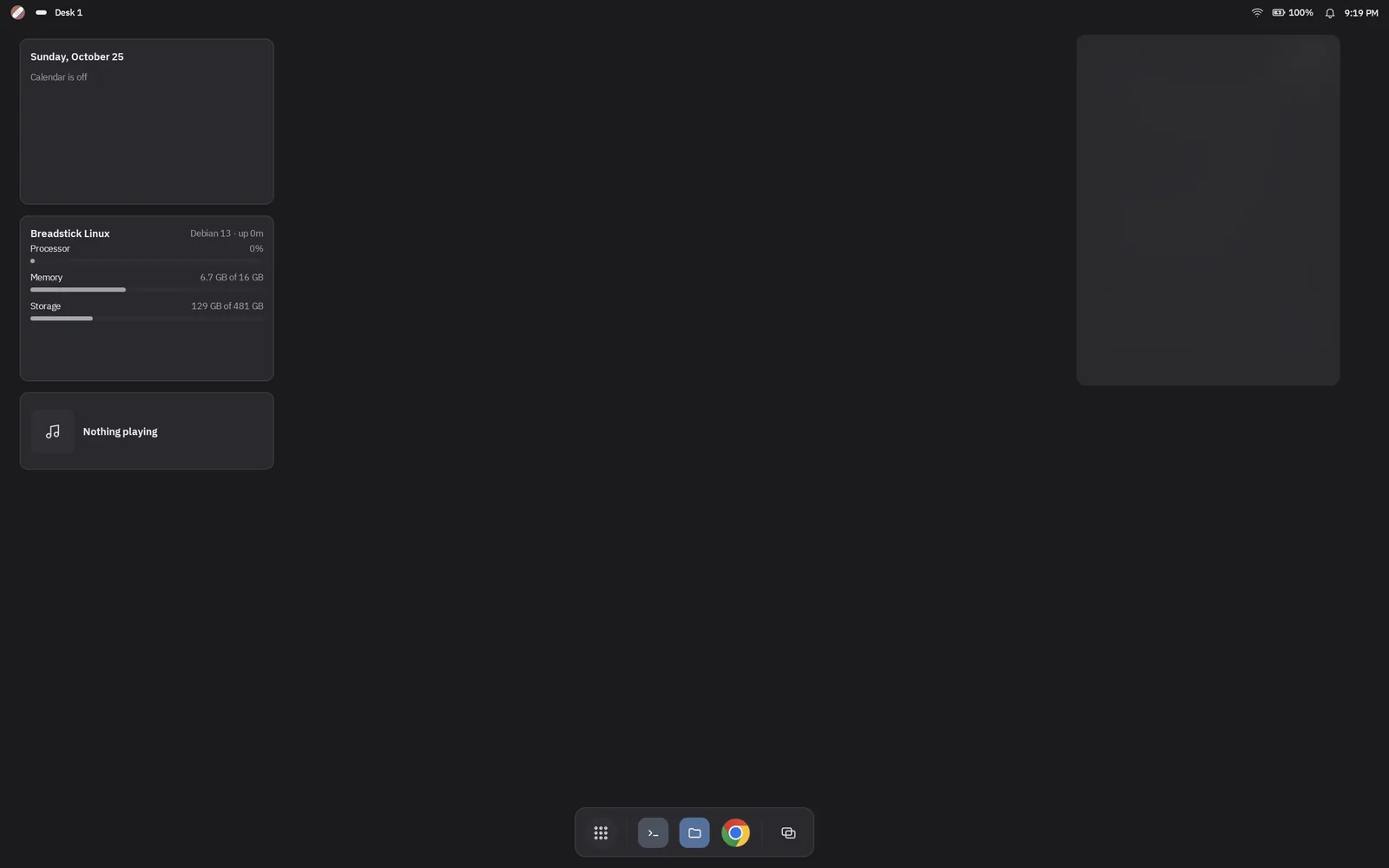
Breadstick 3.0 is rolling out on Google Play today, a few days ahead of the November 1 we promised. It is a free update. If your device updates apps automatically, it is already on its way; if not, open Breadstick in the Play Store and tap Update.
It is the biggest release we have ever made. Part 1 and Part 2 of our preview walk through it in detail. Here is the short version.
For everyone
- A new design. The app, the Linux desktop, the Enhanced Desktop and this website share one look, in light and dark. Four places, always in the same spot: Home, Apps, Terminal and Settings.
- 35 languages, in the app and in Breadstick’s Linux programs. Linux follows your languages and your region’s formats, and Breadstick can install the translations, dictionaries and fonts your apps need.
- Settings, the same inside and out. The app and Breadstick Settings in Linux have the same pages, with search, and nearly everything applies while Linux runs.
- The Emulated Display, a fourth way to run Linux: a desktop at the size you choose, which you open from another computer or tablet with any VNC app. Free up to 1080p.
- On-screen game controls, with your own layout for each game.
- Touchpad mode and on-screen mouse buttons for Floating windows.
- The documentation, built in. Settings, Documentation, or F1. It works offline.
- VLC works, and so do other apps built on its engine, such as Kasts.
- Install from breadstick.io/apps. Every app page has an Install button now. Tap it on your device and Breadstick asks before installing anything.
For Pro
- Faster graphics on Snapdragon, with OpenGL and Vulkan on the device’s own graphics chip, Vulkan on Mali, and an updated driver for Intel Googlebooks.
- Game controllers, Bluetooth and USB, up to four at once.
- A stylus as a pen, with pressure, tilt and the eraser.
- Your camera as a webcam for video calls in Linux.
- Android widgets and Android apps on the Enhanced Desktop, beside a notification center, quick settings and desks.
- Linux services, with
systemctlandjournalctl. - MCP for AI assistants, so an assistant you trust can work in your Linux system, with a key you control.
- The Emulated Display, bigger: sizes greater than 1080p, a viewer in any web browser, and running it beside the desktop on your device.
- Several Linux systems, listed on Home and one tap apart.
- Steam, experimental and not officially supported: Valve’s 64-bit client on Intel Googlebooks, and Steam’s own ARM build on Snapdragon devices. It needs Android’s background process limit turned off.
Steadier underneath
Restoring a backup can no longer lose your Linux system if the device restarts halfway. Sound recovers on its own. When Android closes Linux to make room, Breadstick says so in words and cleans up after it. And Breadstick Tools can now back up and restore your Linux system from a computer over a USB cable.
Thank you
So much of 3.0 started with someone telling us what got in their way: in an email, a review, a Reddit thread or a diagnostics log. Thank you. Keep it coming.
Everything is listed in the changelog.
Update Breadstick on Google Play, and tell us how it goes at hello@breadstick.io.

Written by Keith I Myers
Creator of Breadstick
Keith builds Breadstick, the app that brings real Debian Linux apps to Samsung DeX as native windows.
All posts by Keith I Myers →