Breadstick 3.0 is coming in early November - Part 2

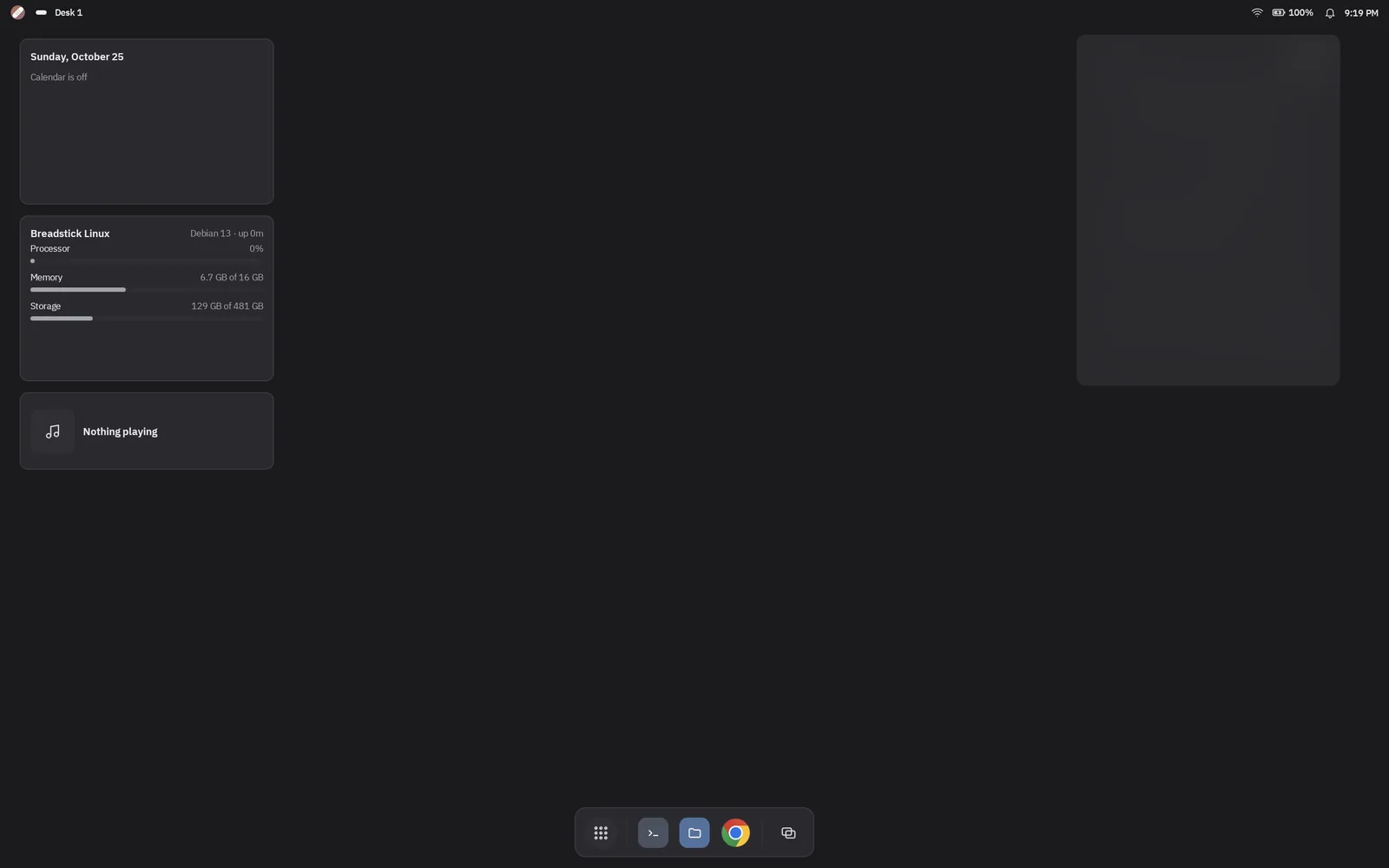
Breadstick 3.0 is almost here. We plan to submit it to Google Play this week, and we expect it to roll out on or before November 1, as a free update.
Part 1 covered the new design, 35 languages, faster graphics, controllers, the webcam and Android widgets on the Enhanced Desktop. The list kept growing after we wrote it. Here is the rest.
The Emulated Display
3.0 adds a fourth way to run Linux, beside Desktop, Floating and the Terminal: the Emulated Display. It is a Linux desktop that does not use your device’s screen at all. You choose its size, and you see it from another computer or tablet with any VNC app.
That means your phone can run a full 1080p desktop for the laptop in front of you, whatever the size of the phone’s own screen. Pick a resolution, start it from Home, and connect. Breadstick shows the address and the password, and the password can be your own or a new random one each time.
- Free with any VNC app, up to 1080p.
- Pro adds sizes greater than 1080p, a viewer that runs in any web browser, and an option to run the Emulated Display and the desktop on your device at the same time.
On-screen game controls
Linux games now get buttons and sticks on the screen when there is no controller at hand. Turn game controls on for a game, drag the buttons where your thumbs want them, change their size and opacity, and choose which key or mouse action each one sends. Every game keeps its own layout. Game controls are free for everyone.
The documentation, built in
Breadstick’s documentation now comes with the app and works offline. Open it from Settings or press F1 on a keyboard. AI assistants connected through Breadstick’s MCP server can search and read the same pages, so they can answer questions about Breadstick from the source.
Several Linux systems, one tap apart
If you keep more than one Linux system, one for work and one for games for example, Home now lists them all. See which one is running and when you last used each, and switch with one tap. Breadstick asks before it stops the one that is running. More than one Linux system is part of Pro.
Install from breadstick.io/apps
The app catalog gets an Install button on every app page with 3.0. Tap it on your device and Breadstick opens and asks before installing anything.
VLC works
VLC has never run under Breadstick: it crashed at startup on every device. The cause was deep in how Linux programs see their own files, and 3.0 fixes it. VLC plays video with sound, and other apps built on VLC’s engine, such as the podcast player Kasts, start too.
Backups from your computer
Breadstick Tools, our page that sets up your device from a computer’s browser, can back up and restore your Linux system over a USB cable once your device runs 3.0. The backup lands on your computer, where it is safe if the device is lost or reset.
More graphics hardware
Part 1 told you about Snapdragon. Devices with Mali graphics, such as Samsung’s Galaxy Tab S11 Ultra, now get Vulkan on the GPU too, so Vulkan programs and games draw on the device’s own graphics chip.
Clearer when Android steps in
Android limits how many programs an app may run, and sometimes closes Linux to make room. When that happens, Breadstick now says what Android closed and why, in words, and cleans up what was left behind, so the next start is clean. The fix is the same as before: Android’s background process limit can be turned off, and our troubleshooting guide shows how.
Release timeline
We plan to submit Breadstick 3.0 to Google Play this week. Google reviews every release, so the exact day is theirs, but we expect it to roll out on or before November 1. The full list of changes, and which features are part of Pro, will be in the release notes and on this site on release day.
Until then, if something in Breadstick gets in your way, tell us at hello@breadstick.io.

Written by Keith I Myers
Creator of Breadstick
Keith builds Breadstick, the app that brings real Debian Linux apps to Samsung DeX as native windows.
All posts by Keith I Myers →