Breadstick 2.0: Linux on Intel Googlebooks

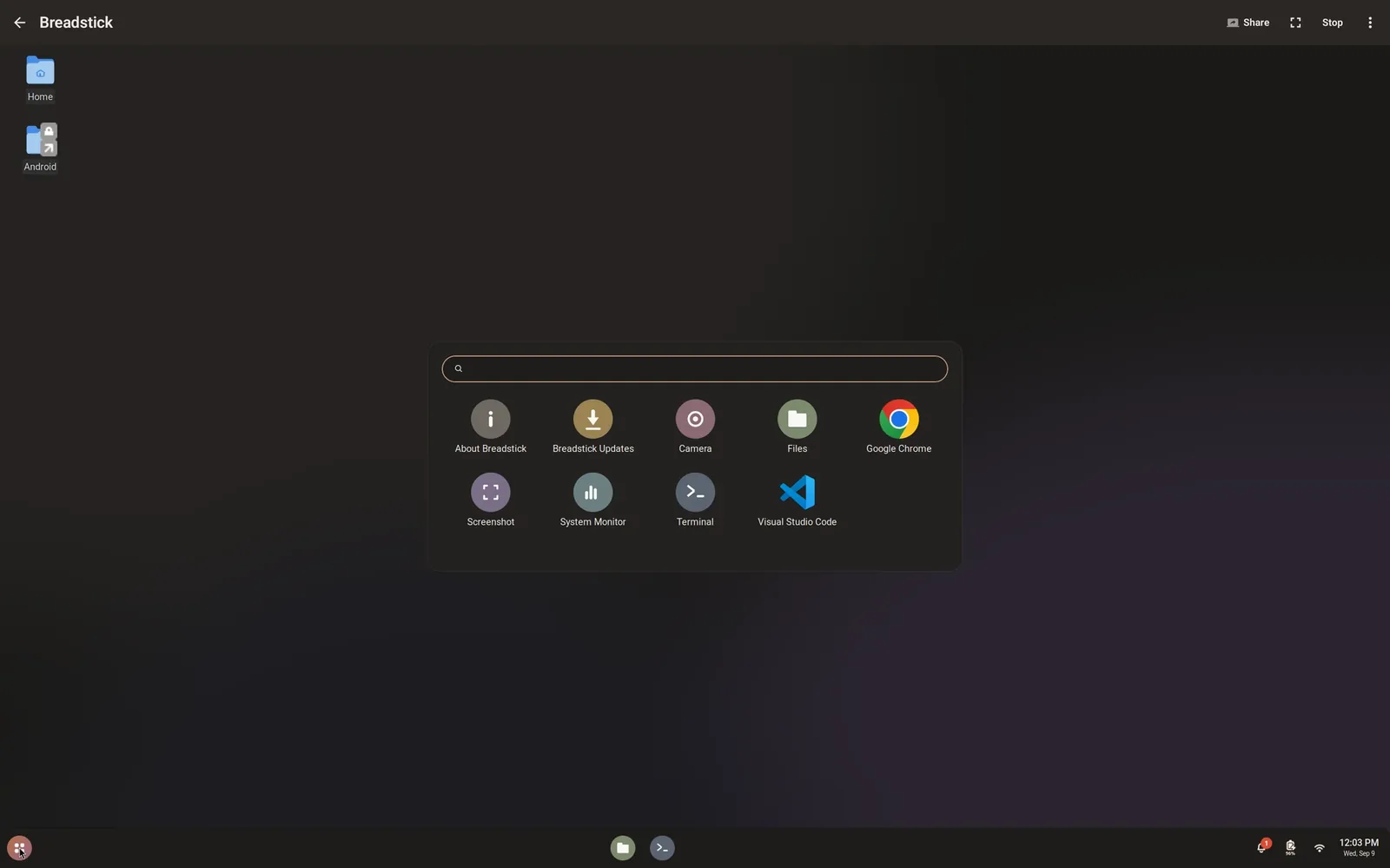
Breadstick 2.0 is rolling out on Google Play today. If your device updates apps automatically, it is already on its way; if not, open Breadstick in the Play Store and tap Update. Two days ago, 1.9.9 brought Breadstick to Googlebooks. This release brings it to the ones with an Intel processor.
Native on Intel
Until now, Breadstick was built for ARM, the processor in nearly every phone and tablet. Intel Googlebooks could install it from Google Play, but setup stopped partway: the ARM build ran translated there, and it could not work. If you tried it on an Intel Googlebook and got stuck, that is why.
Breadstick 2.0 runs natively on Intel Googlebooks and other x86-64 Android devices. It installs a Debian 13 built for the processor, amd64, the same Debian an Intel PC runs, and nothing is translated. Google Play now offers 2.0 to those devices. Breadstick needs Android 8 or newer, on an ARM64 or an x86-64 processor.
On an Intel device, x86 Linux programs are simply native, so the x86 apps pack, which sets up Box64 on ARM devices, is not needed there and not offered. Windows programs still do not run, on either kind of device. x86 apps explains what each one means for you.
Intel graphics, driven directly
GPU acceleration, part of Breadstick Pro, works differently on Intel graphics. On ARM devices, Linux apps hand their drawing to Breadstick’s graphics server, which draws it on the chip. On an Intel device, the Linux system’s own Mesa drives the chip directly, through zink on Intel’s Vulkan driver, with nothing in between.
Here is glmark2-es2 at 1280x720 on a Lenovo Googlebook 15 (Intel Core Ultra 5 325), in frames per second, against software rendering on the same machine:
- build: 952 against 600
- terrain: 288 against 15, about 19 times as fast
- refract: 547 against 44
It turns on where it is faster
On every device, ARM included, GPU acceleration now turns itself on only where Breadstick’s own test shows it is faster than the processor. If your graphics chip runs stably but gains too little, acceleration stays off, and Graphics in Settings shows what the test found, with the switch to turn it on yourself. The GPU acceleration guide has the details.
Fewer processes, fewer closed apps
Apps you open outside the desktop, from Floating windows, the Apps drawer or a Terminal tab, now reach Linux’s system services: the session bus the desktop uses. Until now they were turned away, and some programs got round it by starting a private copy of those services, at three or more processes each. Android limits how many processes one app may run, so that mattered. One set of apps we measured went from 34 processes to 25.
Fewer apps are closed by Android’s process limit, too. One thing changes with it: apps opened outside the desktop now depend on the desktop session, so if Android does close the session, most of them close with it. The troubleshooting guide covers the limit and what to do about it.
Steam, as an experiment
There is one more thing for Pro users on Intel devices, and it comes with a clear label: Steam, experimental and not supported. It is in Recommended apps on x86-64 devices only. Breadstick installs what Steam needs, then downloads Valve’s official installer from Valve and opens it. You accept Valve’s agreement and sign in yourself. If Steam does not open after the install, start it from the Apps page.
On a Lenovo Googlebook 15, Steam signed in, the store and the library worked, downloads worked, and Portal ran with sound. Before you try it, know the limits:
- Native Linux games only. Windows games, which Steam runs through Proton, do not run. Proton is built on Wine, and Android’s security rules do not let an app run the code Wine needs. It is the same reason Wine does not run on ARM devices.
- 32-bit games can be slow. On a device whose processor cannot run 32-bit code natively, and the Lenovo Googlebook 15 is one, 32-bit games draw in software.
- Android’s child process limit has to be off. The Steam card refuses to install until it is, and says how. On some Android 17 devices the switch in Developer options did not take effect while the adb command did, so the adb command in the troubleshooting guide is the reliable way. It removes the limit for every app on the device, so read what that costs first.
- Not supported means just that. Steam or a game may not start, or may stop working after an update.
The Steam section of the docs has all of it in one place.
Also in 2.0
- Sandboxed Linux programs. Programs that use bubblewrap for their sandbox, as Steam’s runtime does, now work inside Breadstick.
- Archives and timers on Intel devices. Android’s rules for x86-64 apps refuse some older system calls that Linux tools still make, among them tools that create archives or set timers. Breadstick translates those calls, so the tools work.
The Linux side
Breadstick’s Linux system updates itself through apt, and version 1.0.25 went out on October 7 with the Linux half of this release: the shared system services, which every device gets, and the Linux half of GPU acceleration on Intel graphics. Start the desktop once after it arrives for the shared services to take effect.
Everything is listed in the changelog.
Update Breadstick on Google Play, and tell us how it goes at hello@breadstick.io, especially if you try it on an Intel device we have not tested. 🥖

Written by Keith I Myers
Creator of Breadstick
Keith builds Breadstick, the app that brings real Debian Linux apps to Samsung DeX as native windows.
All posts by Keith I Myers →