Three Fixes: Audacity, Firefox Video and Sound, and Browser Icons

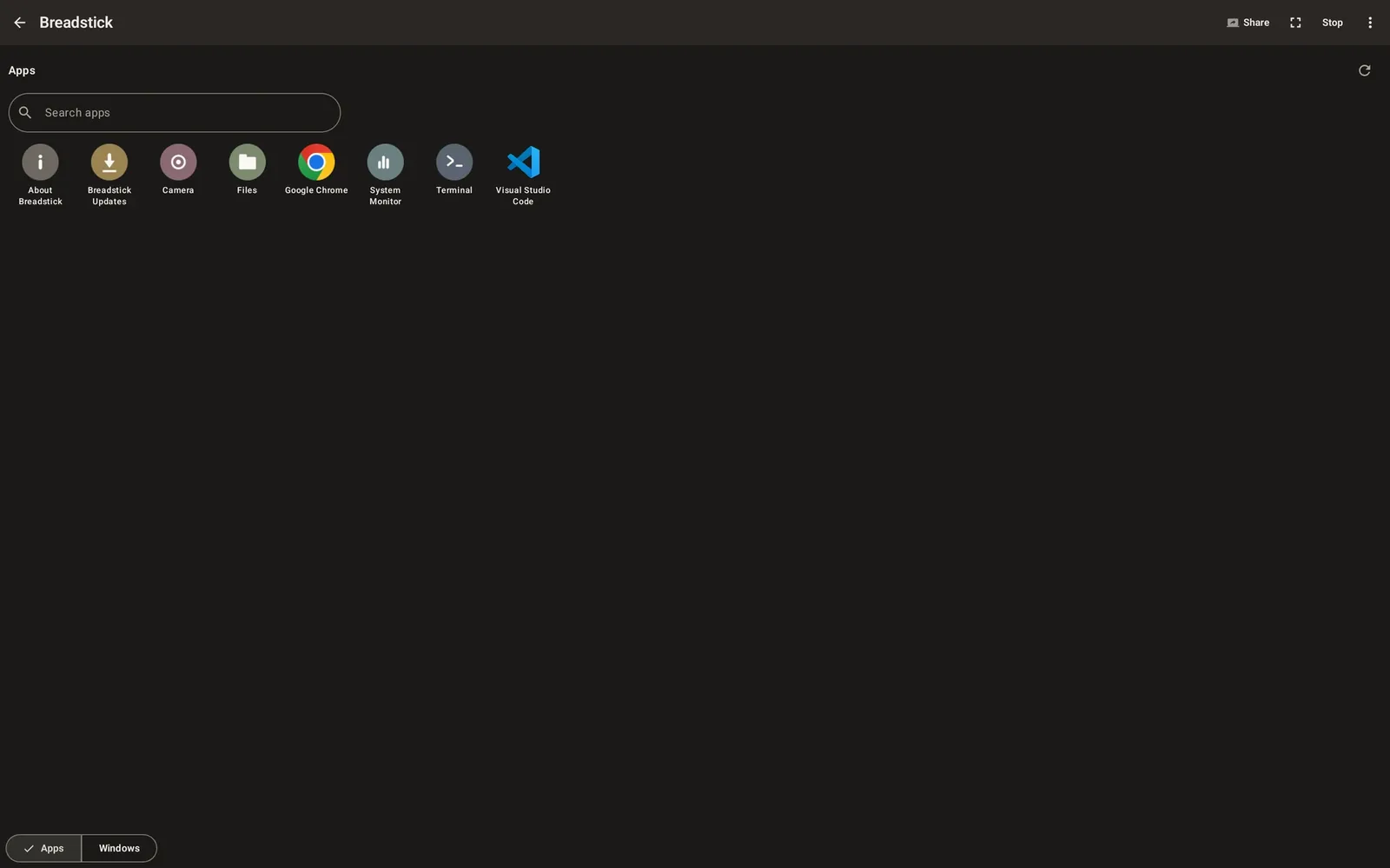
Three problems you told us about are fixed today. Each one came from a report, so thank you to everyone who took the time to write in or post about what they ran into.
These fixes are part of the Linux system inside Breadstick, so you do not need to update the app from Google Play. Breadstick updates its Linux system by itself within a day while you are on Wi-Fi, or you can open Breadstick Updates from your apps to get them right away.
Audacity opens again
Audacity, the audio editor in the Media bundle of Recommended apps, stopped with an error as soon as it started (“Unable to create shared memory segment”). It now opens normally, and it opens again after you close it. Audacity needs Breadstick 2.0 or later.
Firefox plays video and sound
Firefox could show YouTube, but every video said “Your browser can’t play this video”, and other videos with sound would not play either. Firefox now plays them, sound included, in Desktop mode and in Floating windows. Restart the desktop once after the update, or close Firefox and open it again.
Each browser icon opens its own browser
If you had more than one browser installed, say Chrome and Firefox, every browser icon opened whichever one you installed last. Now each icon opens its own browser. If you pinned a browser to your Android home screen before this update, remove that shortcut and pin it again.
Keep the reports coming
Every one of these was found because someone told us. If something does not work the way you expect, email us at hello@breadstick.io. The more detail you can send, the faster we can fix it: your device, what you were doing, and, if you can, a diagnostics report from Breadstick’s Settings.

Written by Keith I Myers
Creator of Breadstick
Keith builds Breadstick, the app that brings real Debian Linux apps to Samsung DeX as native windows.
All posts by Keith I Myers →