What's New in Breadstick 1.2.0

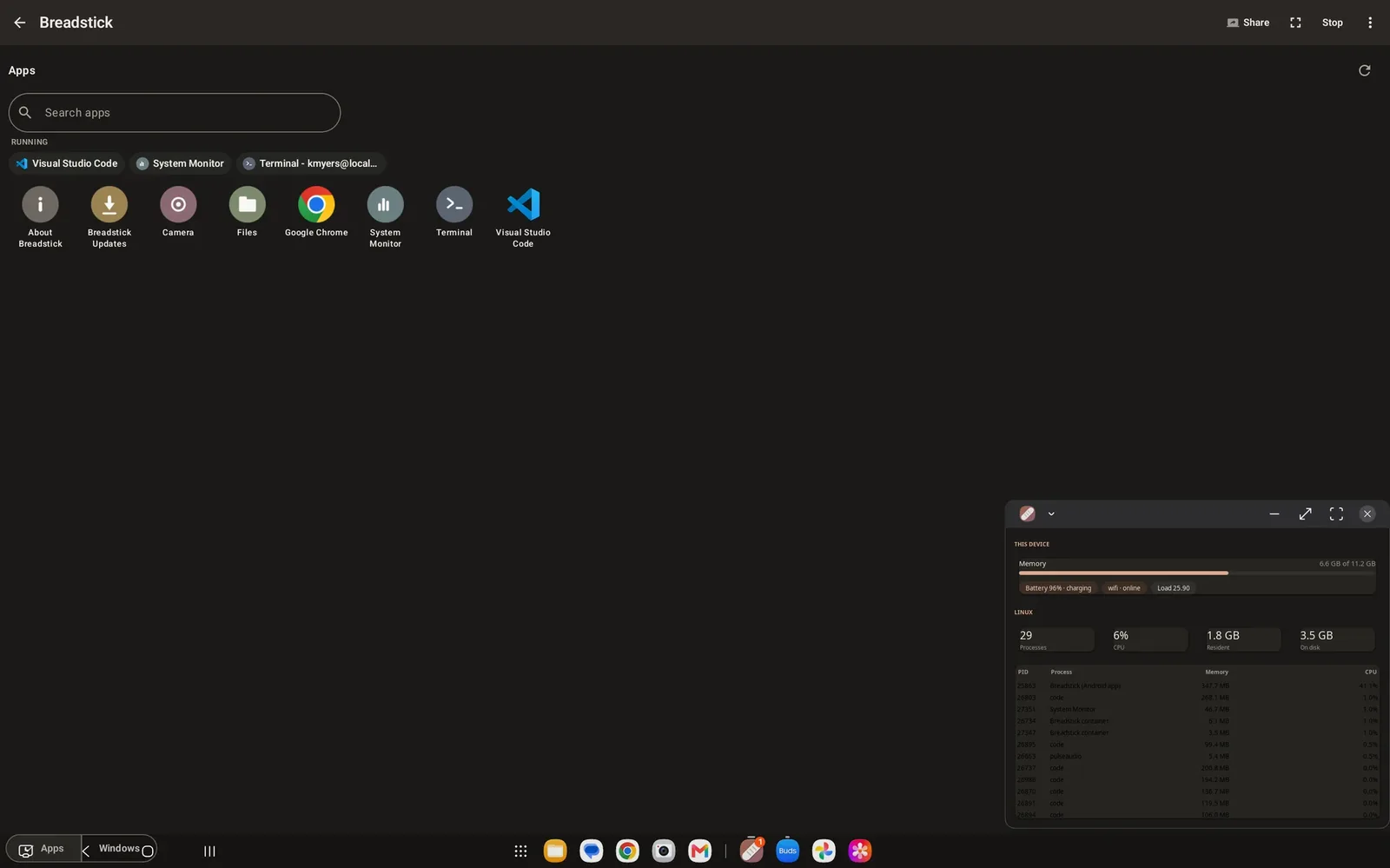
Breadstick 1.2.0 is rolling out on Google Play today. If your device updates apps automatically, it is already on its way; if not, open Breadstick in the Play Store and tap Update. Most of what is in this release came from your reports, so thank you to everyone who sent logs, screenshots and careful descriptions of what went wrong.
Screen sharing in any browser
Screen sharing used to need a VNC app on the other machine. That still works, and now Breadstick also serves a viewer of its own. Turn on screen sharing, then open the address Breadstick shows, on port 6080, in a web browser on any computer on your network. Enter the password, which is new every time sharing starts, and your Linux desktop appears in the tab. There is nothing to install on the other machine.
Like VNC, the browser viewer sends your screen over the network unencrypted, so use it on a network you trust. The remote access guide has the details.
Copy and paste for more than text
The clipboard now carries images, formatted text and files between Android and Linux, in both directions. Copy on one side, paste on the other, and it arrives as what it was, not just as plain text.
Floating windows that behave
Floating mode got the most attention in this release.
- Clicks land everywhere. On a large floating window, the right and bottom edges used to ignore the mouse. They no longer do.
- The right size from the start. On high-resolution screens, Chrome, VS Code and other Electron apps were drawn twice as large as they should have been at the default display scale, and text in many other apps was too big. Apps now open at the size you expect.
- Back and close do what you expect. Back no longer closes a Linux app, and closing the last window closes it properly.
Stop means stop
Stop now fully stops the Linux session, the SSH server and screen sharing. Before this release, each of them could keep running in the background, and a session that was stopped and started again could end up running twice.
Fewer surprises
- A warning before Android steps in. Android has a limit of 32 background processes, and going past it can close the desktop without warning. Breadstick now warns you as you get close, and Settings shows a live count. The troubleshooting guide explains what to do.
- Better battery life. An idle session no longer keeps your device awake. If you want Linux to keep running with the screen off, Settings, Power has a switch for that.
- Terminal text lines up everywhere. The Terminal now brings its own monospace font, so columns stay aligned on phones set to a custom system font.
- Safer setup. An interrupted install or restore no longer leaves a half-written Linux system behind, and setup asks before downloading over mobile data.
For app developers
Other apps can now open Linux apps or run commands in Breadstick, but only with a permission you grant, and Settings, Other apps shows which apps have asked. If you build Android apps and want to hand work to Linux, the new For app developers page explains how.
The Linux side keeps improving too
Breadstick’s Linux system updates itself through apt, and it had a busy week of its own. Breadstick Updates now installs every waiting update, Debian’s security fixes included, notifications from Linux apps reach Android again, and apt no longer prints “Missing Signed-By” notices. Those changes reach your device without an app update.
Everything is listed in the changelog.
Update Breadstick on Google Play, and tell us how it goes at hello@breadstick.io. 🥖

Written by Keith I Myers
Creator of Breadstick
Keith builds Breadstick, the app that brings real Debian Linux apps to Samsung DeX as native windows.
All posts by Keith I Myers →